Getting started
Install Ghosthub, then open an existing session or create your first one.
Requirements
Ghosthub currently requires:
- an Apple Silicon Mac
- macOS 15 (Sequoia) or newer
- tmux 3.2 or newer for tmux sessions
- Herdr 0.8.0 or newer for Herdr sessions
- Zellij 0.44 or newer for Zellij sessions
The Cmd-D and Cmd-Shift-D pane shortcuts require tmux 3.4 or newer or Herdr 0.8.0 or newer on the attached session. With older versions, use your normal multiplexer split keys.
Use any supported multiplexer independently or together. Each keeps its own panes, key bindings, and running programs. See Sessions for the sessions Ghosthub discovers and the actions available for each kind.
Native Windows hosts are experimental and have additional requirements. See Remote Hosts.
Install Ghosthub
Install the signed, notarized app from the Kenn Homebrew tap:
Then launch Ghosthub from Applications.
As a manual alternative, download the latest DMG from GitHub Releases, open it, and drag Ghosthub to Applications.
If tmux is not installed locally:
Verify it with:
Install Zellij locally when you want Zellij sessions:
Open an existing session
- Launch Ghosthub.
- Expand your Mac under Hosts in the sidebar.
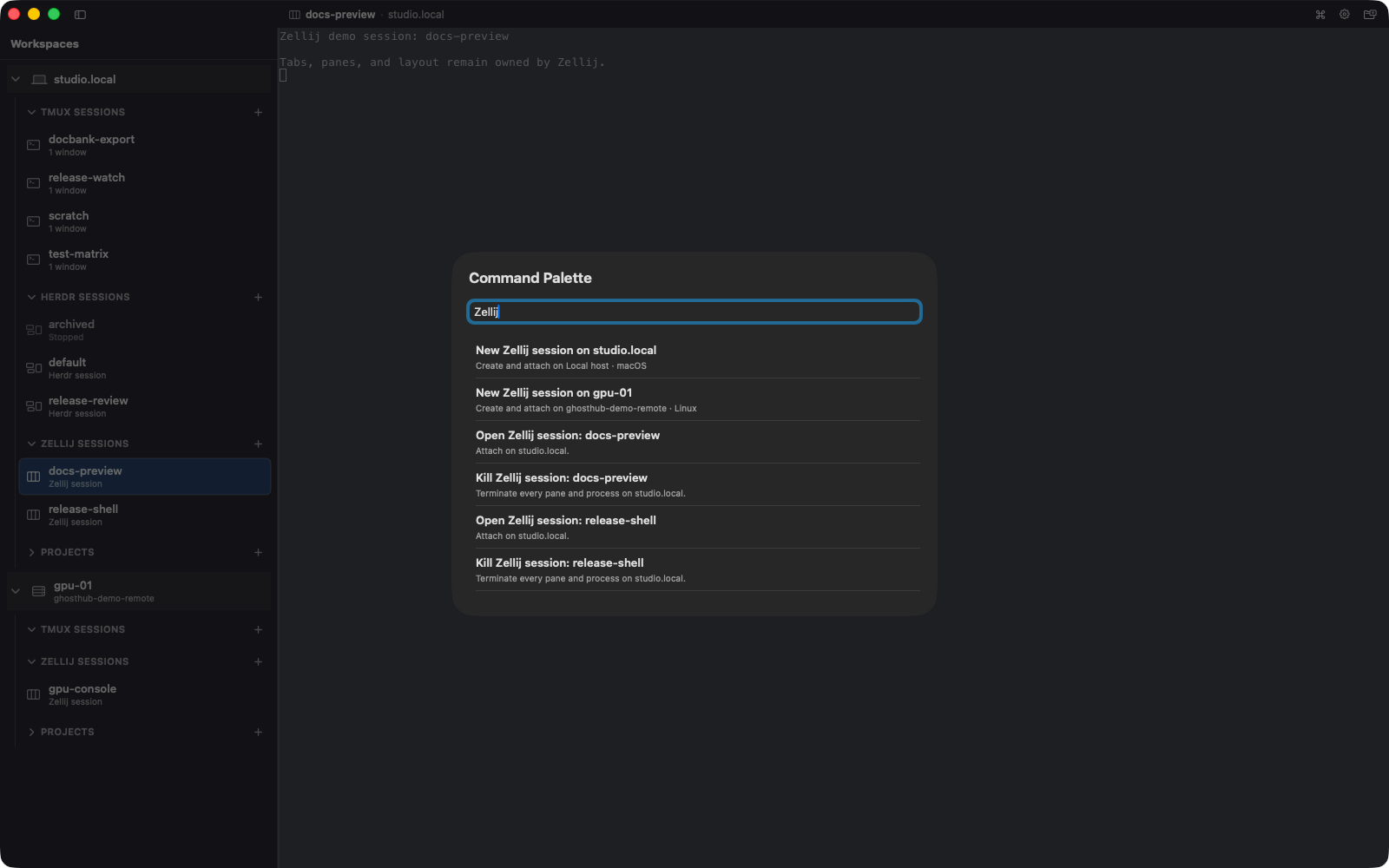
- Select an existing entry under Tmux Sessions, Herdr Sessions, or Zellij Sessions.
Ghosthub attaches the ordinary whole-session client for that backend. Existing tmux windows and panes, Herdr workspaces, or Zellij tabs and panes stay under their backend's control. Closing the presentation detaches without stopping the server.
Create a session
- Expand your Mac in the sidebar.
- Select the + beside Tmux Sessions or, when available, Herdr Sessions or Zellij Sessions.
- Enter a session name and create it.
The session is not tied to a Git repository. Close the Ghosthub window or tab to detach; your shell and other processes continue running in its multiplexer. Stopped Herdr sessions remain visible with a Stopped label so you can restart their saved shape later.
Release and nightly builds
The latest stable release is the normal download. The website's download button and Homebrew install use that release.
These guides follow the current main branch. Sections marked Unreleased
describe changes that are not in the latest stable release yet. The
Unreleased changelog lists them together.
Nightly builds are separate test builds. If you are testing one, check its
notes and source commit: a nightly can predate a change on main. Installing
a nightly replaces the stable app and uses the same settings and saved state;
it is not a separate profile. Follow the enrollment instructions supplied with
the test build before installing it. Normal website downloads and Homebrew
remain on the stable channel.
What to do next
- Learn the full session lifecycle in Sessions.
- Add a machine over SSH in Remote Hosts.
- Add Git repository context in Projects and Worktrees.
- Learn the main navigation commands in Windows and Navigation.
Worktrees are optional
You do not need kwt, a Git repository, or a worktree to use Ghosthub as a local and remote tmux, Herdr, or Zellij session switcher.