Privacy
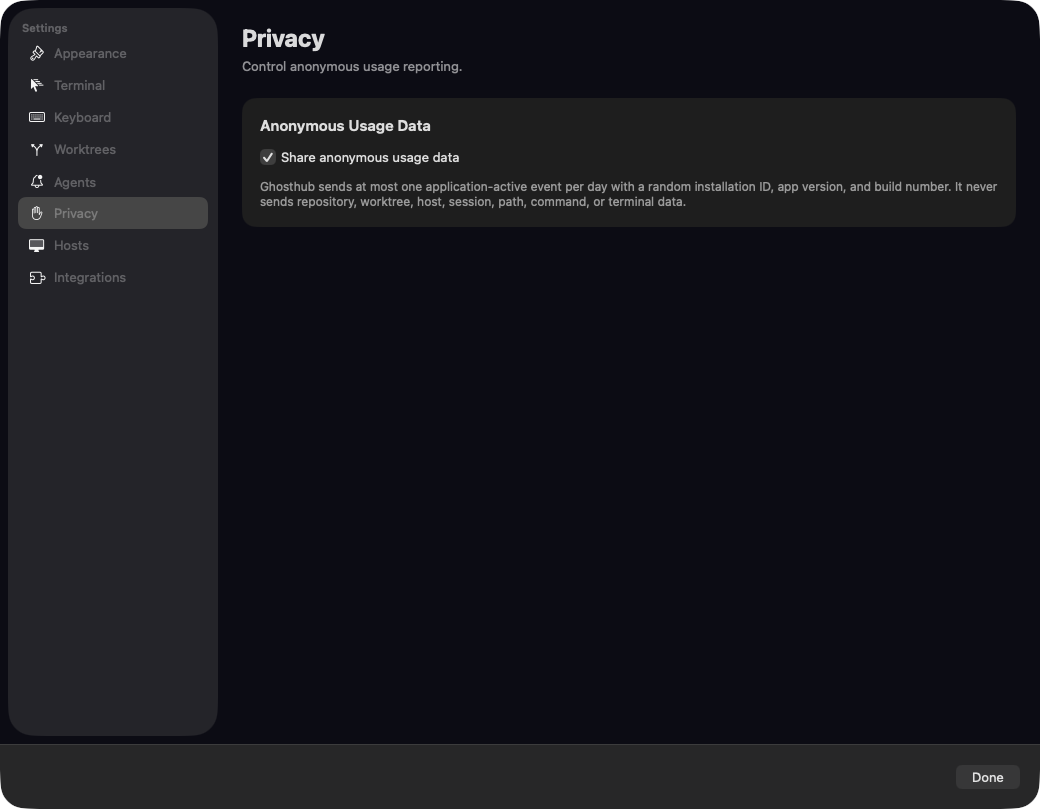
Anonymous usage data
Packaged Ghosthub releases send at most one anonymous application active
event per day. Reporting is enabled by default. The event contains:
- a random installation ID
- the Ghosthub version
- the build number
It does not contain repository, worktree, host, session, path, command, or terminal data. PostHog person profiles and GeoIP enrichment are disabled.
Turn reporting off at any time under Settings → Privacy → Share anonymous usage data.
macOS permissions
Programs running in a Ghosthub terminal may ask macOS for access to Photos, the camera, microphone, contacts, calendars, or other resources. macOS names Ghosthub in those prompts because it is the terminal app running the program. Review what the program needs before granting access.
Local state
Ghosthub's mutable application state lives under:
Ghosthub-owned terminal configuration lives separately at:
Other Ghosthub preferences, including hidden standalone tmux session patterns, live in:
Remote state
Ghosthub does not scan remote filesystems. Add Project delegates only the
absolute repository path you explicitly provide. For configured remote macOS
and Linux hosts, Ghosthub automatically stores or updates its matching
revision-pinned managed kwt helper under the remote user's ~/.ghosthub/
directory. Automatic Windows helper installation remains disabled.
Interactive SSH responses are retained only for the running app session.